Corner #
Overview #
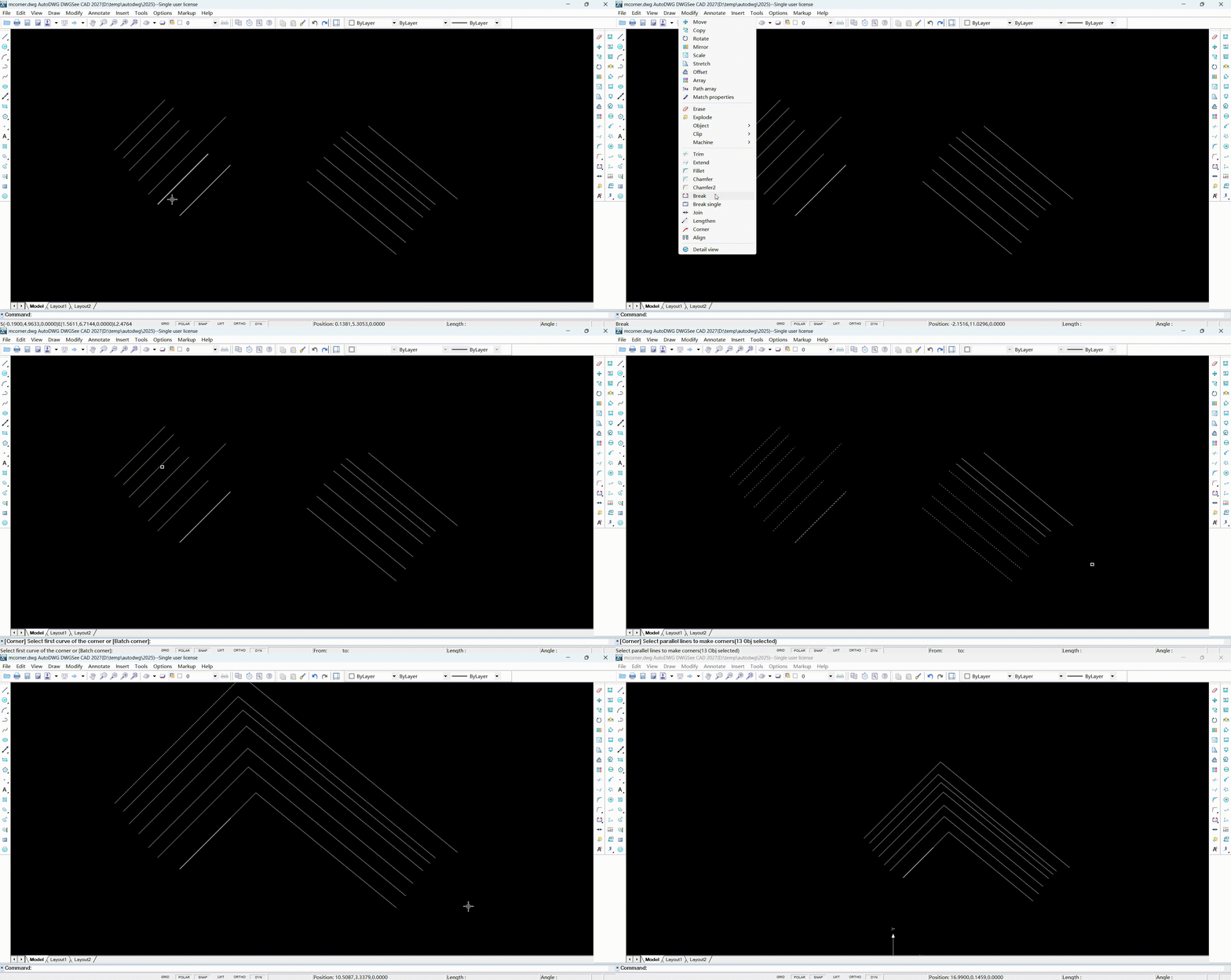
Corner is a command in DWGSeeCAD used to connect adjacent lines to form sharp corners. It provides two working modes: single corner and batch corner. The batch corner mode is specially designed to automatically connect multiple groups of parallel lines.
Command Prompt Sequence #
- [Corner] Select first curve of the corner or [Batch corner]:
- [Corner] Select second curve of the corner:
Key Notes #
- Single corner mode: Select two lines. The command extends or trims them to intersect and form a sharp corner, without fillet or chamfer.
- Batch corner option: Enter Batch corner to activate batch mode. This mode automatically connects multiple sets of parallel lines to form closed corners in batches.
- Valid objects: Straight line entities.
- The command trims excess segments or extends line ends to intersect at vertex points.
Application Scenarios #
It is widely used in mechanical and architectural drafting. You can quickly close outline corners, fix disjointed line ends, and batch process frame contours made of parallel lines.


