InsertOLE #
Overview #
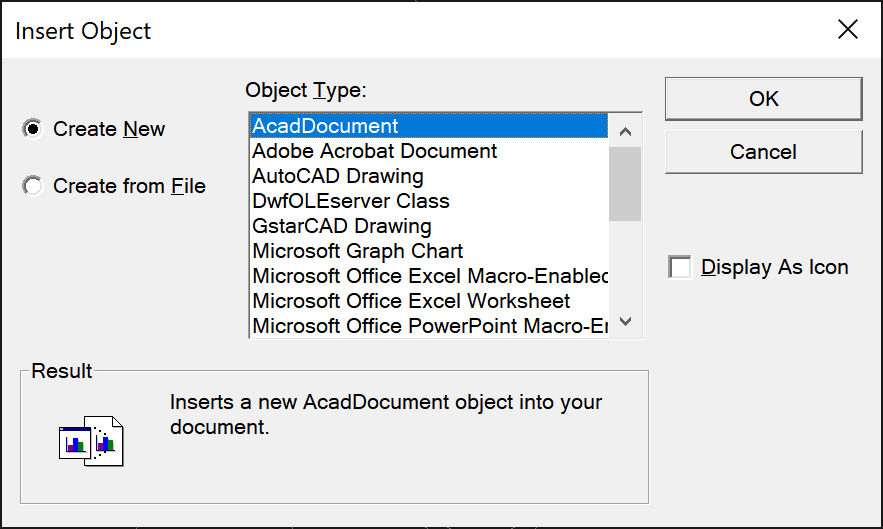
InsertOLE is a command in DWGSeeCAD used to insert OLE objects into the drawing. It opens the Insert Object dialog box, which supports creating a new OLE object or embedding an existing file. You can insert Excel worksheets, charts, PDF documents and other OLE-supported content into the DWG drawing.
Command Prompt Sequence #
- [InsertOLE] Specify insertion point:
Key Notes #
- After launching the command, the Insert Object dialog pops up first. You can select Create New to generate a new object, or Create from File to embed an existing file.
- Optional checkbox: Display As Icon, which shows the object as an icon instead of preview content.
- After confirming the object type and settings, specify the insertion point to place the OLE object in the drawing.
- Double-click the inserted OLE object to open the source program for editing.
Application Scenarios #
It is commonly used to embed tables, charts, documents and other office data into CAD drawings, convenient for integrating design data and drawing annotations.


